

widget global reads and controls widgets by their widget ID. (It’s
singular — widget, not widgets.) Every method below is paired with a real
example you can drop into the Script tab.
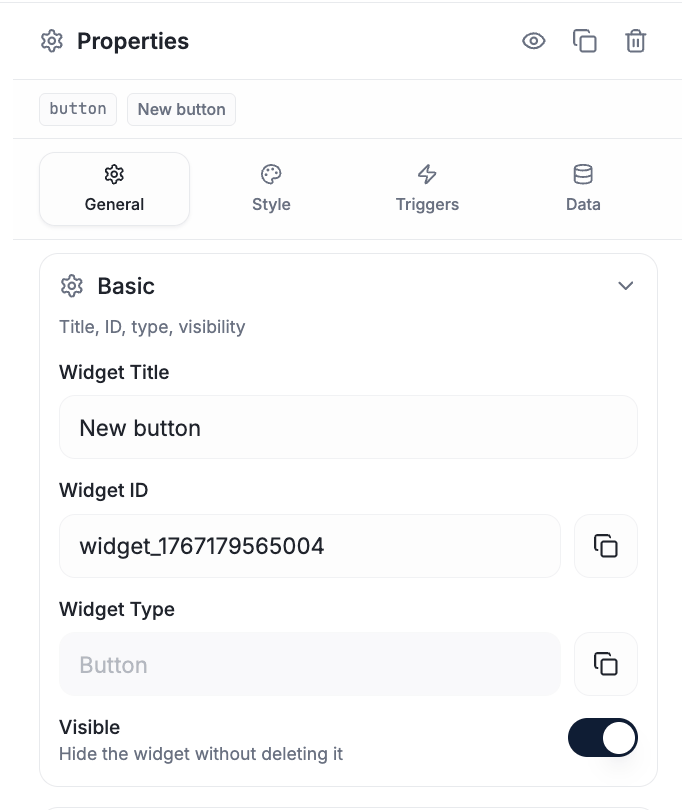
Copy a widget's ID from General → Basic — this is the value your update calls reference.
Values and text
Visibility
Position, size, rotation
Config
The widget object
Events
on and once return an unsubscribe function.
Events reference
Every event a widget can fire.
More recipes
End-to-end script patterns.