

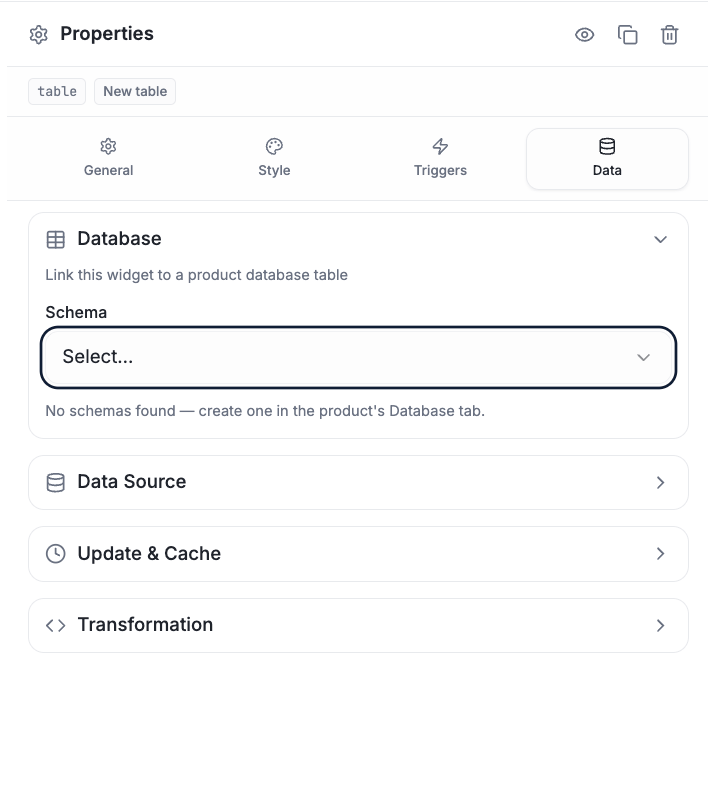
The Data tab — link a widget to a product database table, or a data source, with update/cache and transformation options.
The widget ID
Every widget has an ID. Firmware pushes values to that ID, and the widget updates. This is the core loop from How It Works:tempGauge now reads 27.4. Set a widget’s ID in the
General tab; reference that same ID from firmware.
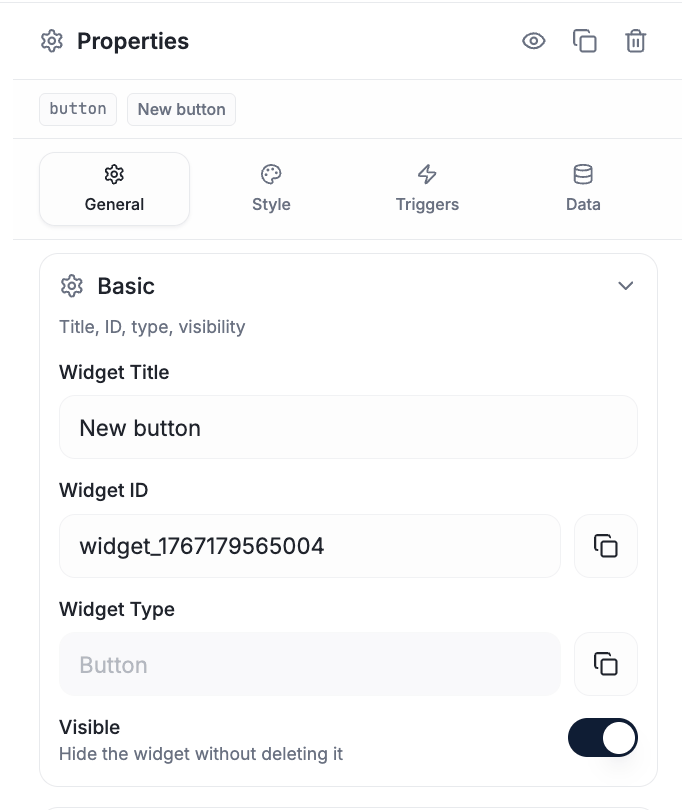
Find (and copy) a widget's ID in the General tab → Basic section — this is the ID your firmware and bindings reference.
Field paths
When a device sends a structured payload, a widget reaches into it with a field path in the Data tab. Paths use dot-notation for nested objects and numeric indices for arrays. Given this payload:
The platform resolves what it can and ignores what it can’t — your payload shape
is entirely up to you.
Commands back to the device
Control widgets (Switch, Button, Slider, …) send commands in the Triggers tab. The firmware receives them through its command handler:Multi-device dashboards
Different widgets on the same canvas can target different devices — bind each widget to the device it represents. This is how a single dashboard monitors a whole set of devices.Real-time widget updates
The full message contract — value, text, visibility, move/resize/rotate.
The core loop
Values up, commands down.