

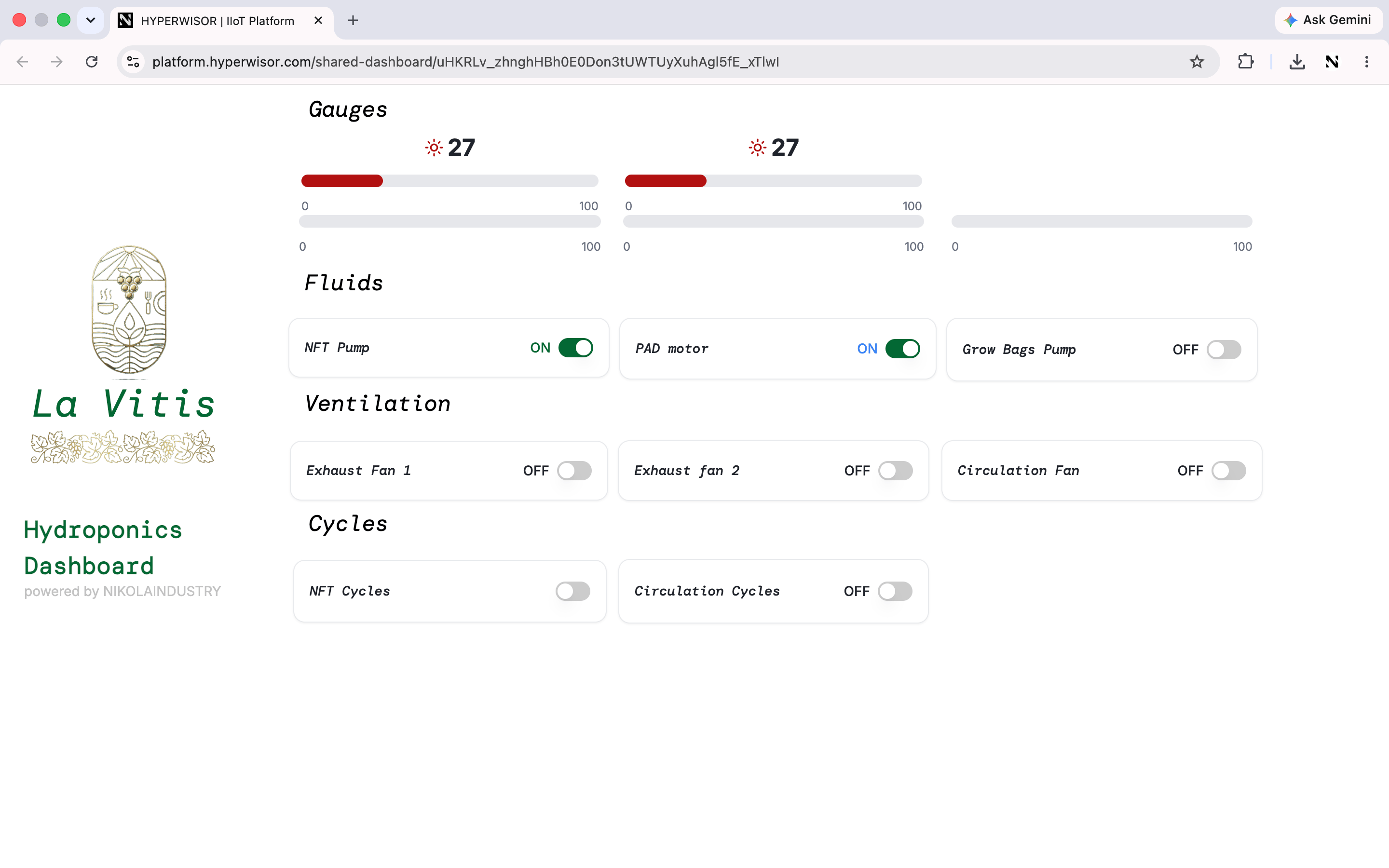
A custom dashboard — your own multi-device interface, built from drag-and-drop widgets.
Managing your dashboards
The IoT Dashboard home lists every dashboard you’ve built:- Create New Dashboard — start a blank custom interface
- Search your dashboards
- Per dashboard: Edit, View, or Delete
- A usage count (e.g.
4 / 5) with Upgrade for more
What you build with
A dashboard is a canvas of widgets bound to device data. The full builder — the four-tab properties model and all 50 widgets — is documented in the designer reference:The designer
Canvas, the General / Style / Triggers / Data tabs, design vs. preview.
All 50 widgets
Controls, display, navigation, shapes, and utility widgets.
Binding data
Connect a widget to device data by widget ID and field path.
Scripting
Add JavaScript logic with the Script API.
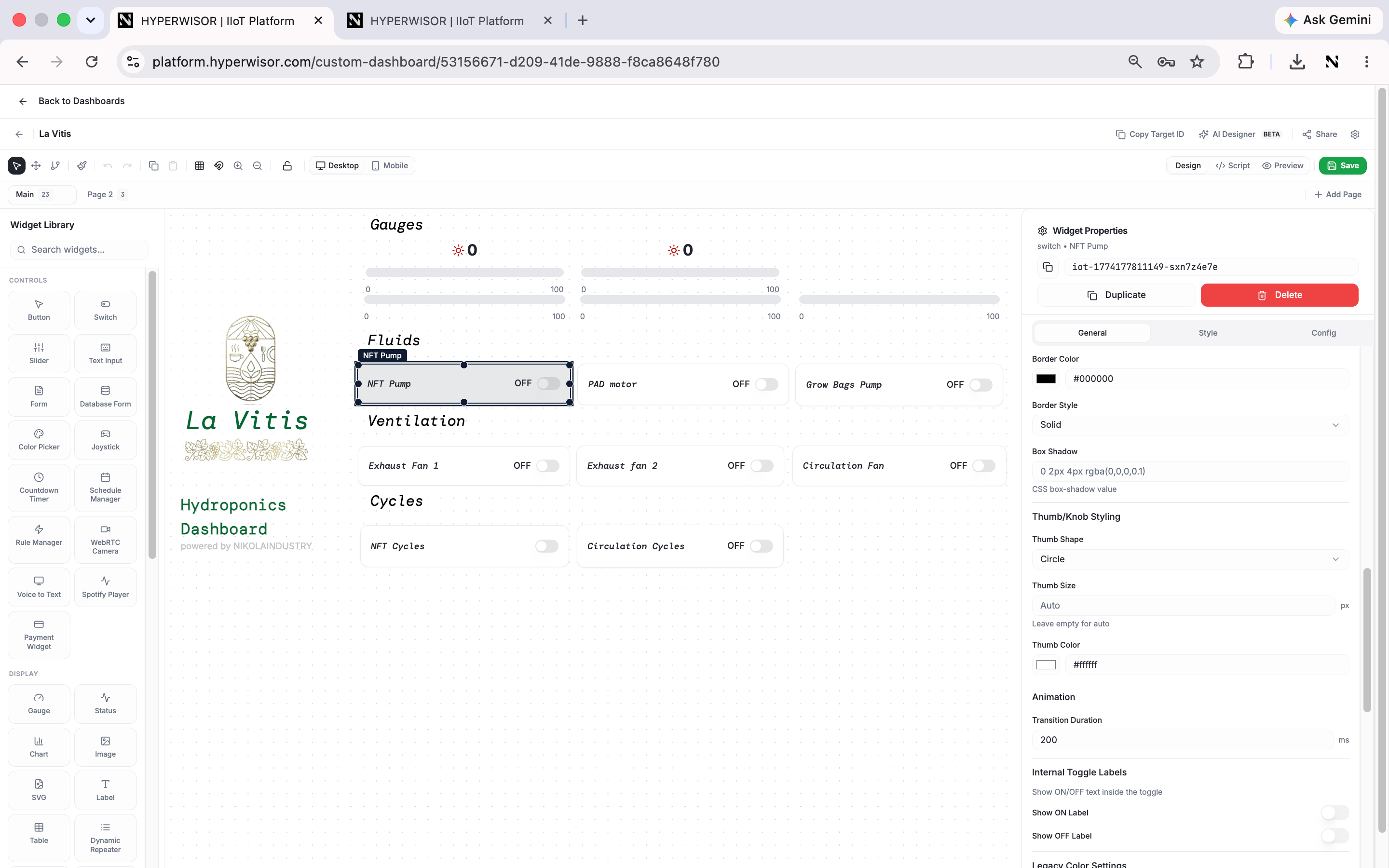
Building a custom dashboard in the designer — the same four-tab properties model.
Multi-device dashboards
The power of a custom dashboard is that widgets can target different devices on the same canvas — one screen monitoring your whole set. For monitoring many devices at once — maps, groups, bulk commands, firmware — drop in the Fleet Manager. A finished dashboard can be shared by link — branded, read-only, and live: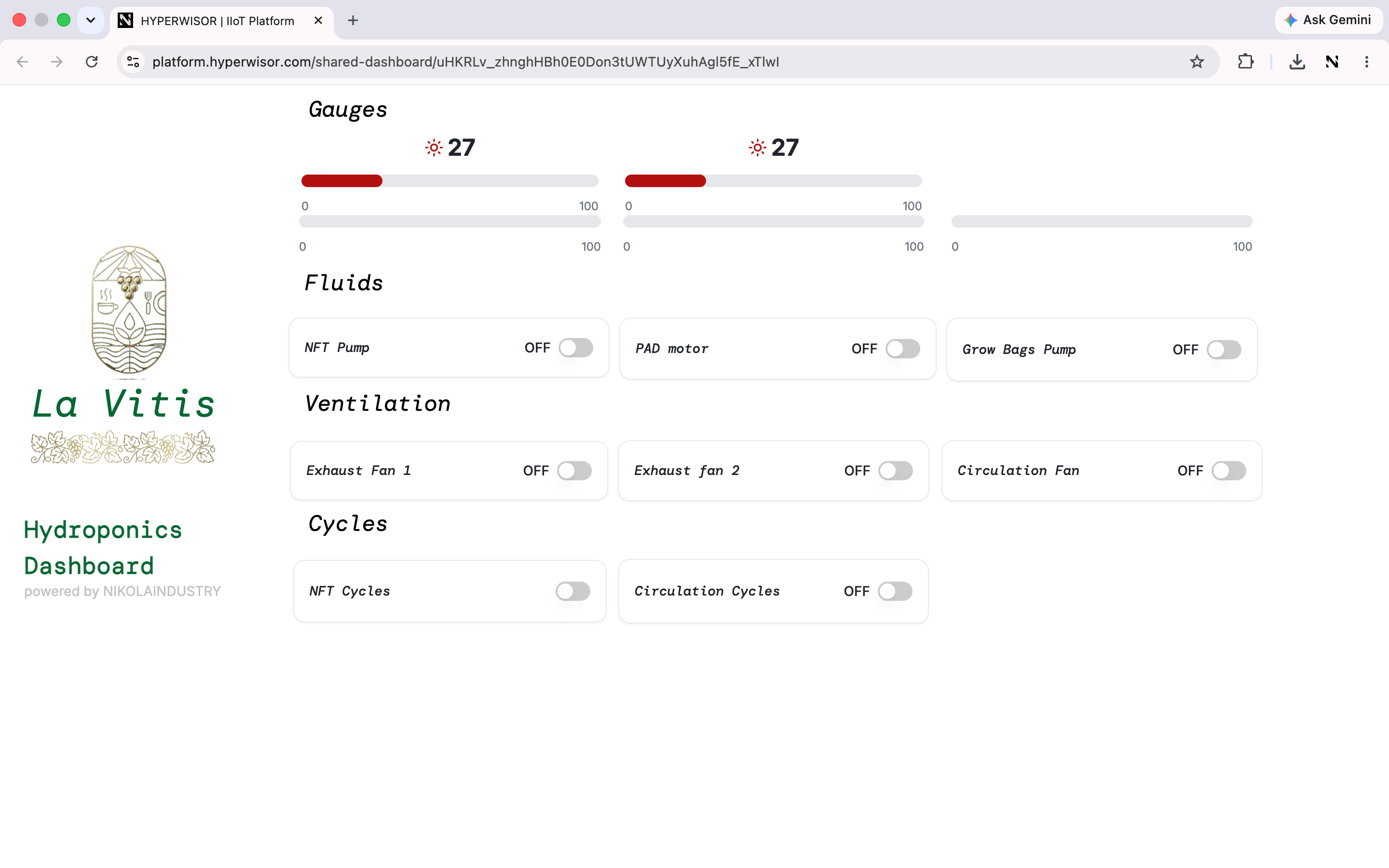
A shared dashboard — branded, live, and viewable by anyone with the link.
Fleet Manager
One widget for operating devices at scale.