

0. Sign in
Create a manufacturer account (or sign in) at the Hyperwisor platform. This is the workspace where every product you build lives.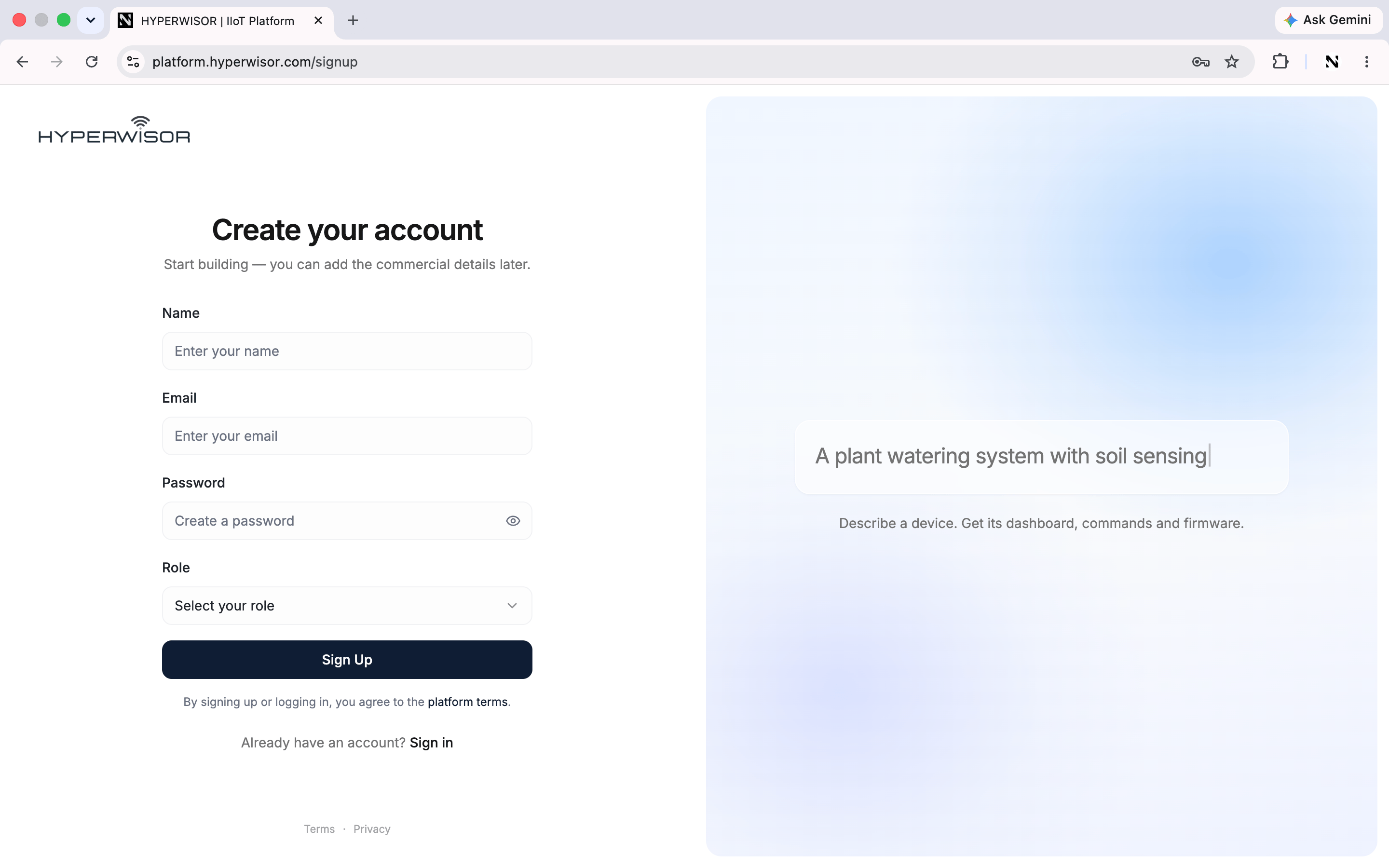
Create a manufacturer account to get your own Studio.
Returning? Sign in to pick up where you left off.
1. Start the wizard
From your dashboard, create a new product. You’ll step through a short wizard: AI Generator → Basic Info → Commands & Actions → User Info & Metadata. You can skip the AI step and fill it in yourself.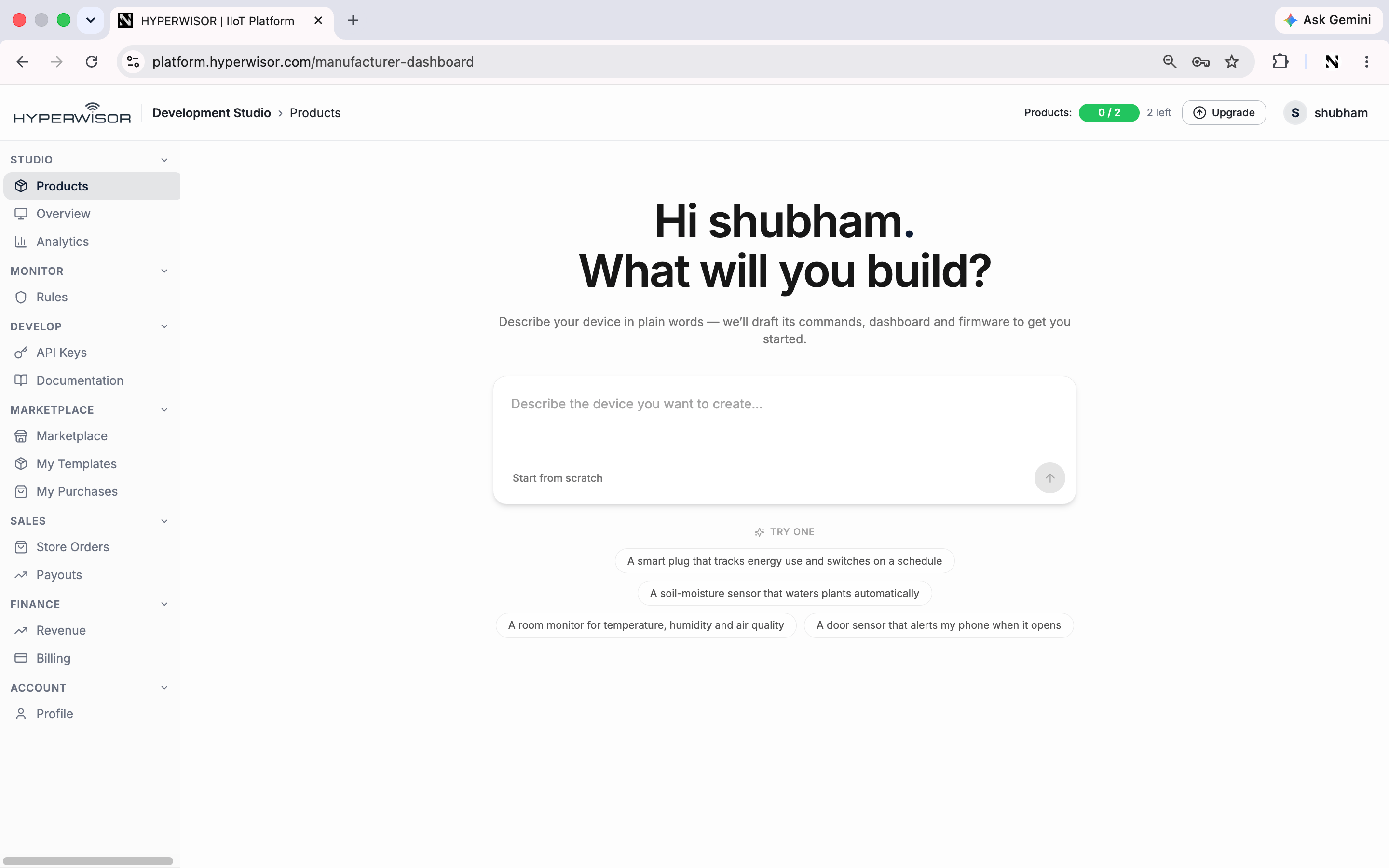
Describe your device in plain words — the AI drafts its commands, dashboard and firmware.
2. Basic Info
Give the product its identity:- Product Name — e.g.
Plant Monitor - Category — pick the closest match (it drives marketplace discovery)
- Model Number — e.g.
PM-100 - Firmware Version —
1.0.0
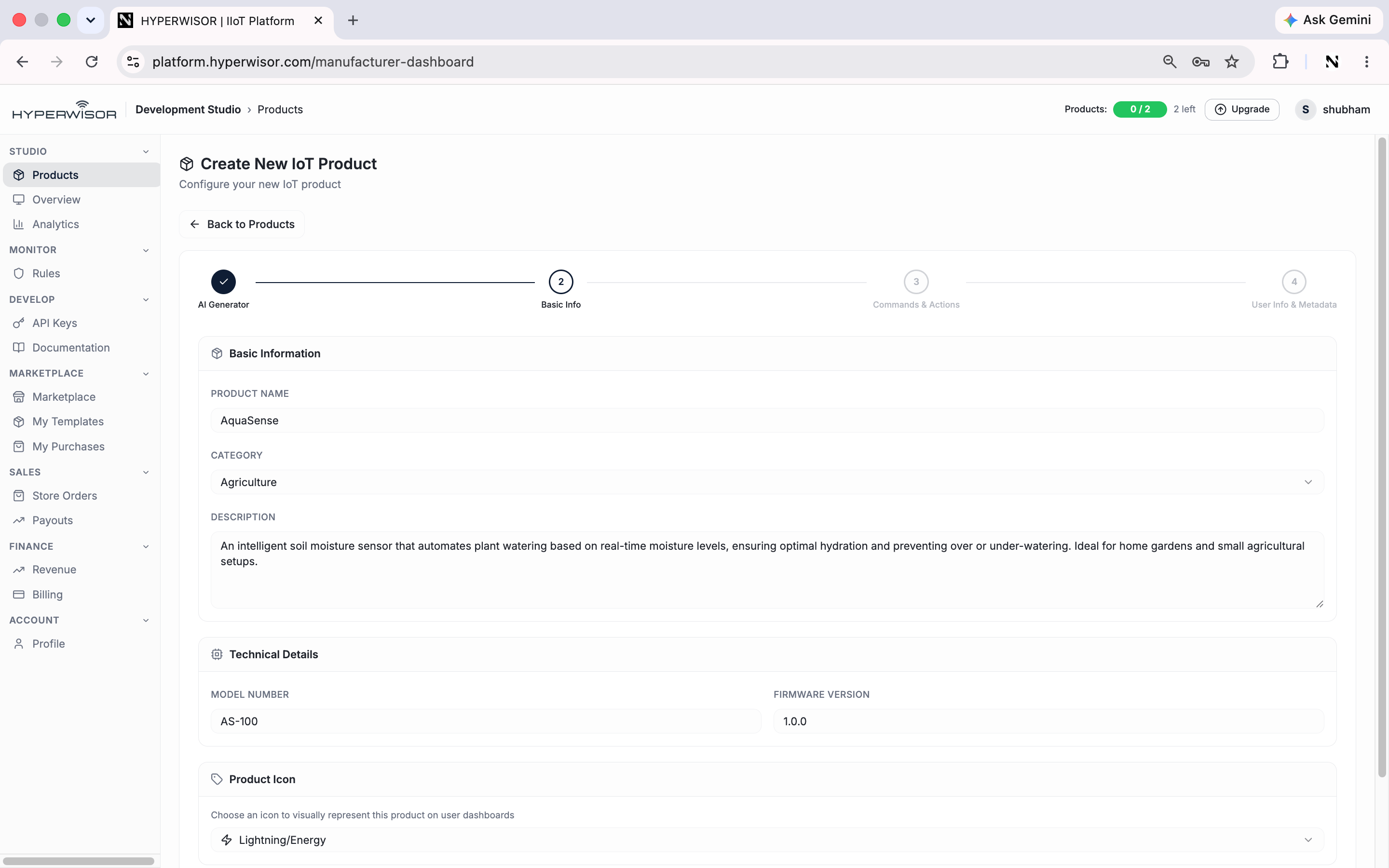
Basic Info — name, category, model and firmware version.
3. Define one command
In Commands & Actions, add a single command so the product can do something. Think in the tree Command → Action → Parameter: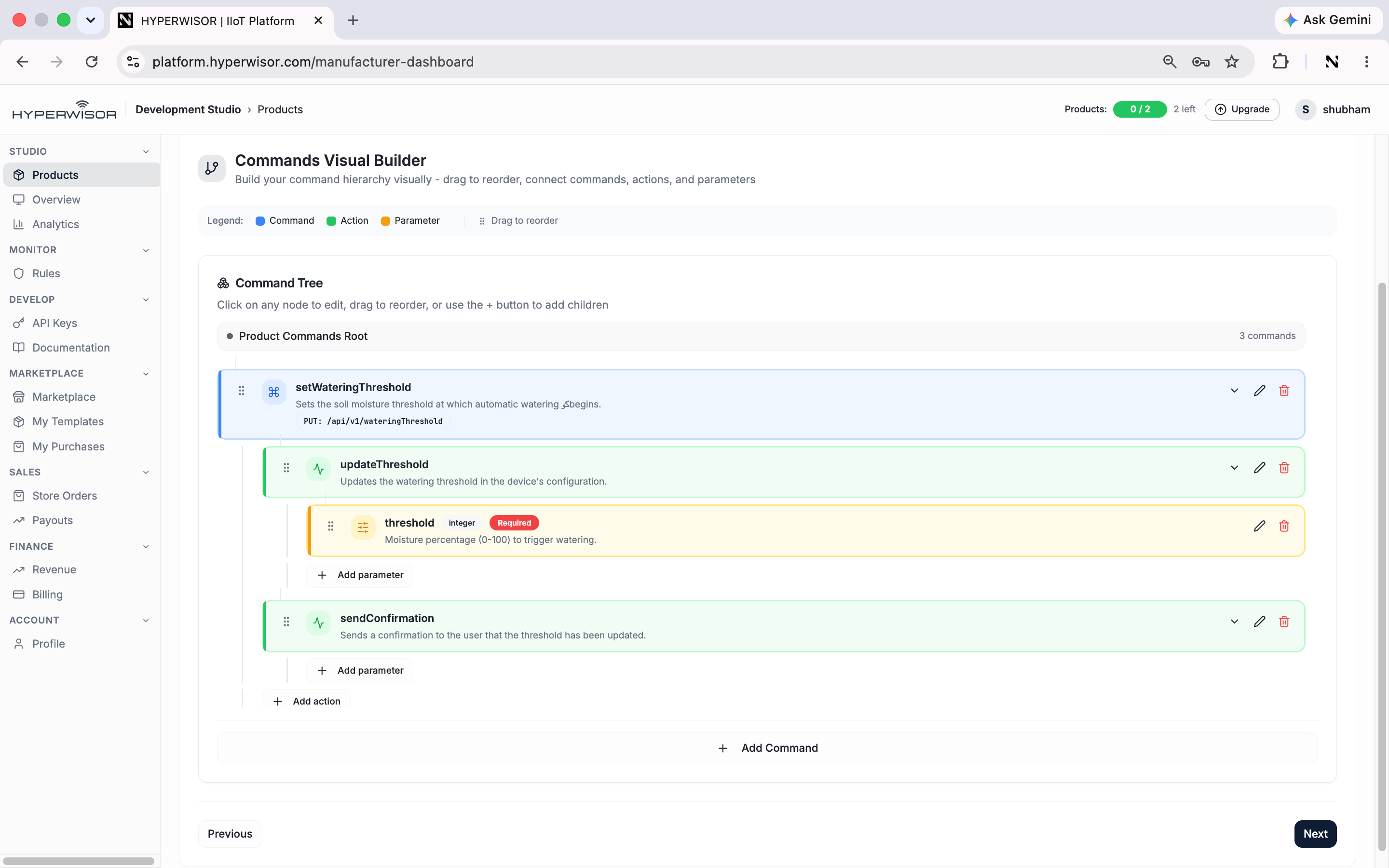
The Commands Visual Builder — a Command → Action → Parameter tree that becomes your product's API.
4. Save
Finish the wizard. Your product is created and opens in the Product Development Studio — your workspace for everything that follows.You have a product with a name, a category, and one command (
Operate → ON/OFF).Next: design its dashboard
Give your product an interface.