

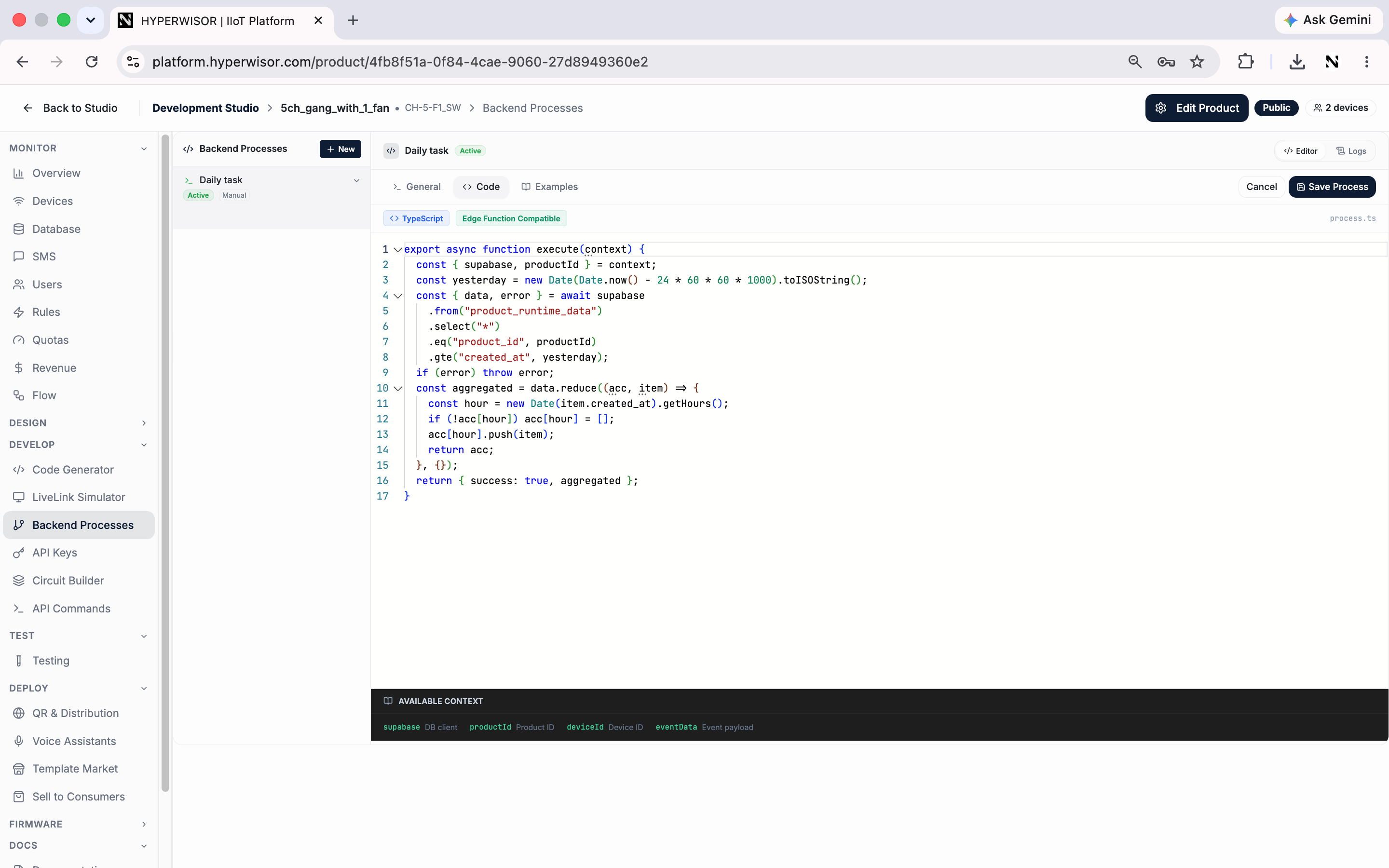
A backend process — TypeScript that runs on the platform with a Supabase client and product context.
Creating a process
Click New and define it across three tabs:1
General
- Process Name — e.g. “Daily Data Cleanup”
- Description — what the process does
- Trigger Type — how it runs (e.g. Manual, scheduled)
2
Code
Write the logic the process runs.
3
Examples
Start from a ready-made example instead of a blank editor.
Trigger types
A process can run manually (you trigger it) or on a schedule (it runs automatically at set times) — pick the trigger type on the General tab.Good uses
- Clean up or aggregate stored data on a schedule
- Check a condition across devices and send an alert
- Bridge to an external service when something happens
Next: Circuit Builder
Design and simulate hardware circuits.