

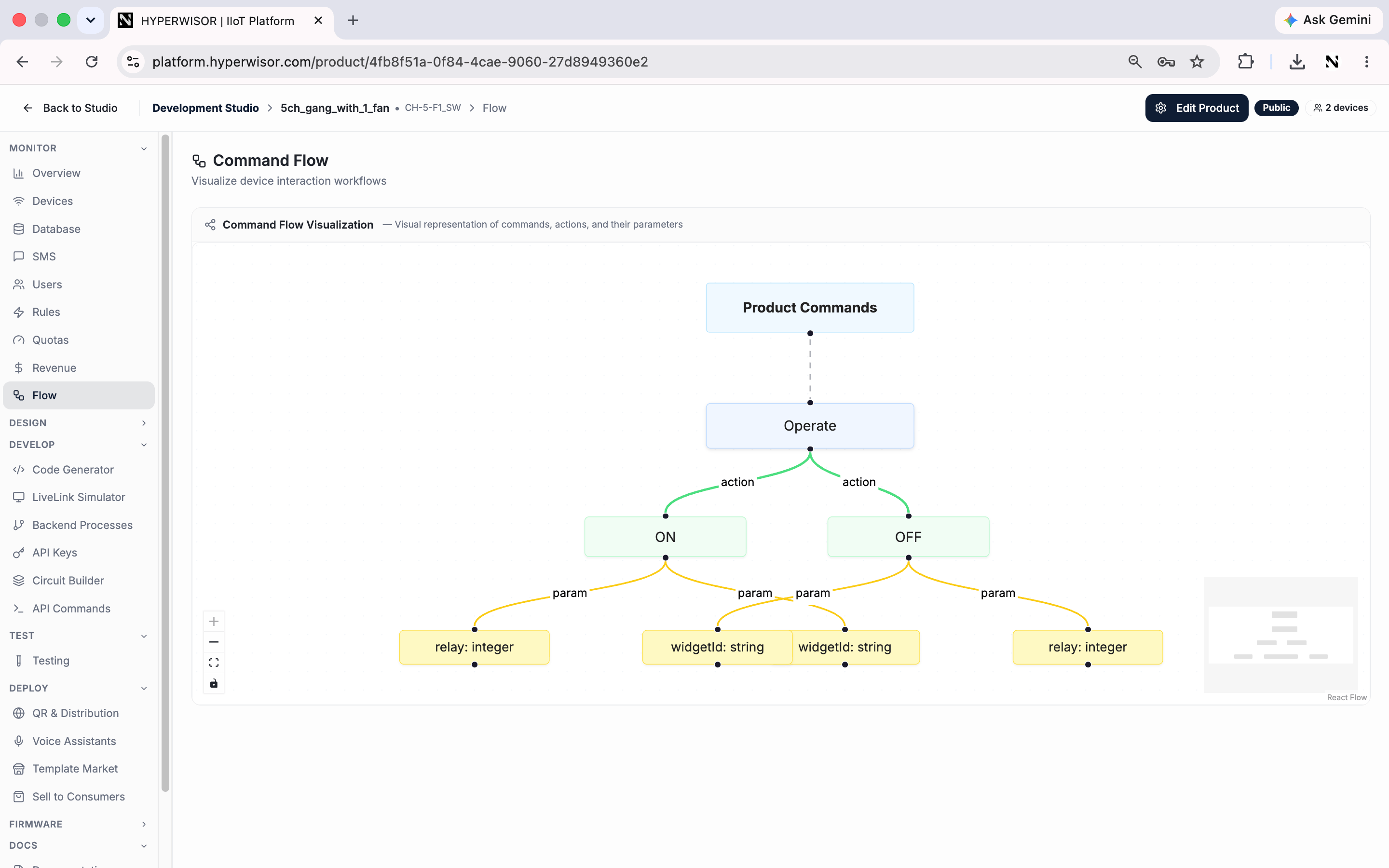
Command Flow — your product's commands, actions and parameters as a visual tree.
This is a visualization of your product’s commands. Define
the command vocabulary in API Commands, then see it laid out here.
Next: Code Generator
Generate firmware for your product.