

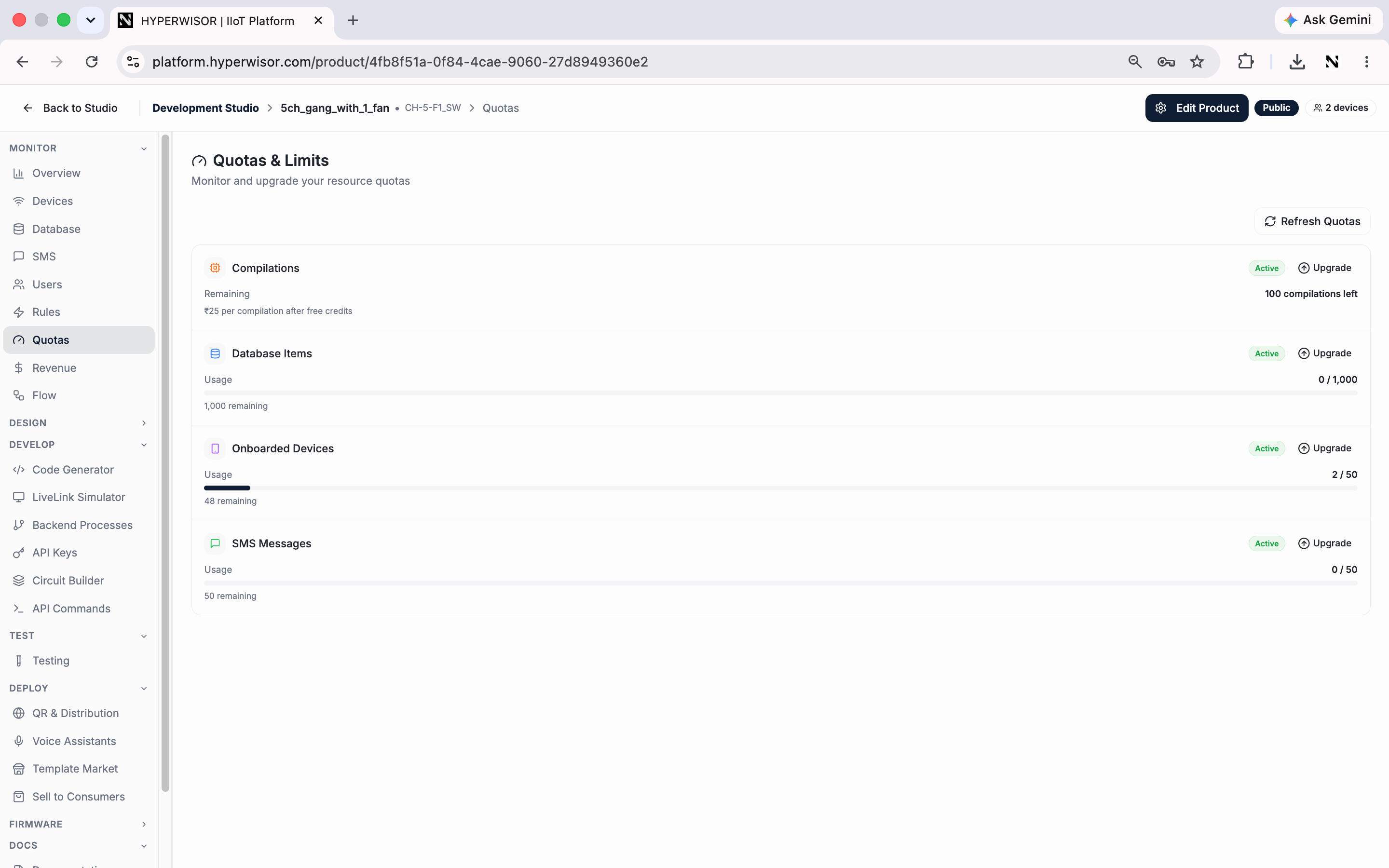
Quotas & Limits — compilations, database items, onboarded devices and SMS, each with an upgrade path.
What you see
- Current usage vs. the limit for the product’s quotas (e.g. the number of devices that can be onboarded)
- The option to upgrade a quota when you’re approaching a limit
Upgrading
When you hit or approach a limit, upgrade the quota from this tab. Quota upgrades are a paid action; see Revenue Sharing for how platform charges work.Next: Revenue
Earnings from this product.