

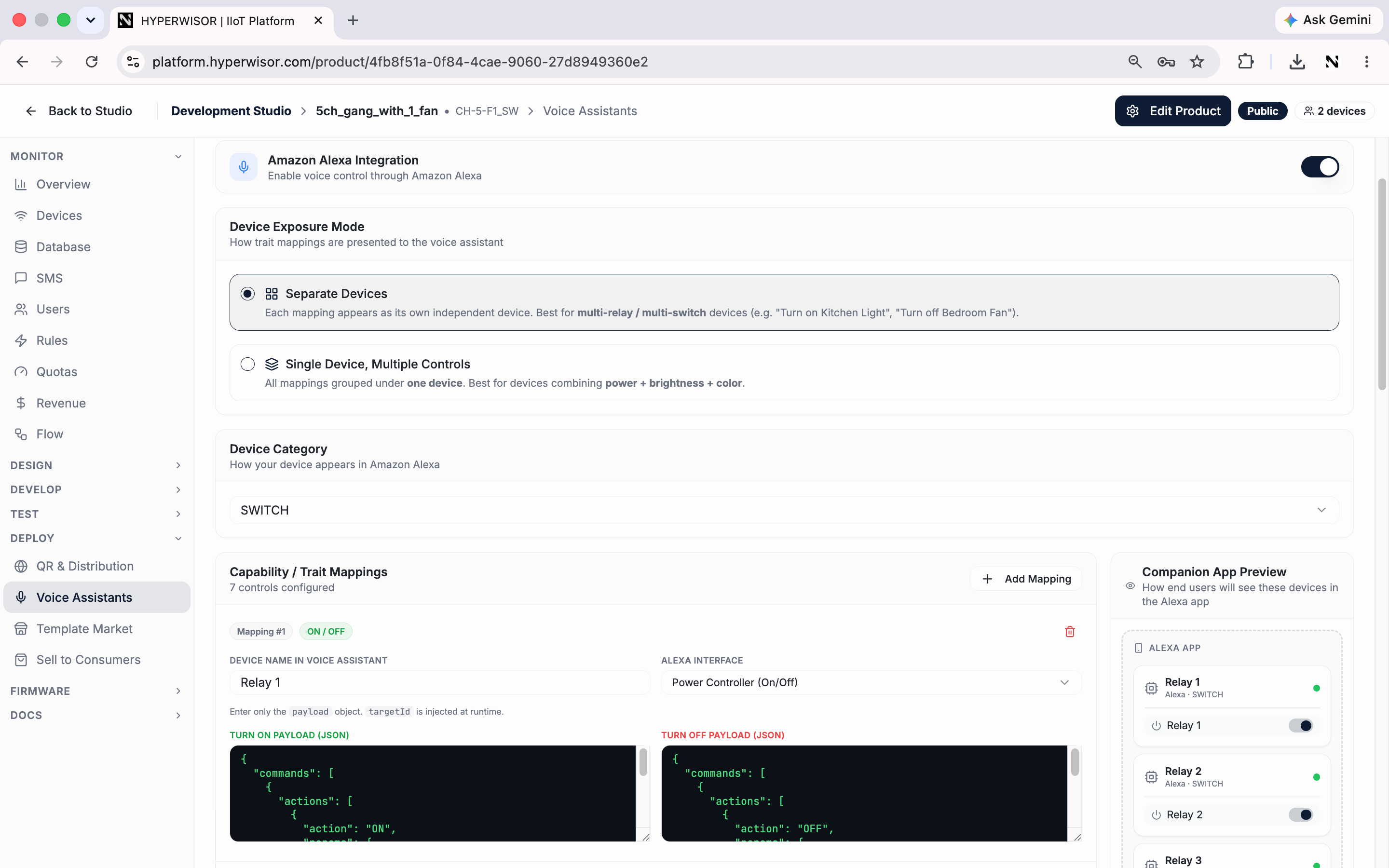
The Voice Assistants tab — enable Alexa, choose how devices are exposed, and map commands to voice traits.
Enable an integration
Toggle Amazon Alexa and/or Google Home on for the product. A companion-app preview shows how your devices will appear in the assistant’s app as you configure.Device exposure mode
How your trait mappings are presented to the voice assistant:Device category
Set how your device appears in the assistant (e.g. Light, Switch, Other) so it’s categorized correctly in the user’s app.Capability / trait mappings
Map the assistant’s capabilities (traits) to your product’s commands:1
Add a mapping
Click Add Mapping to link a voice capability to one of your product’s
commands.
2
Preview
The Companion App Preview shows how end users will see these devices in
the Alexa / Google Home app.
3
Save
Save the configuration for that assistant.
Next: Metadata
Custom product attributes.