

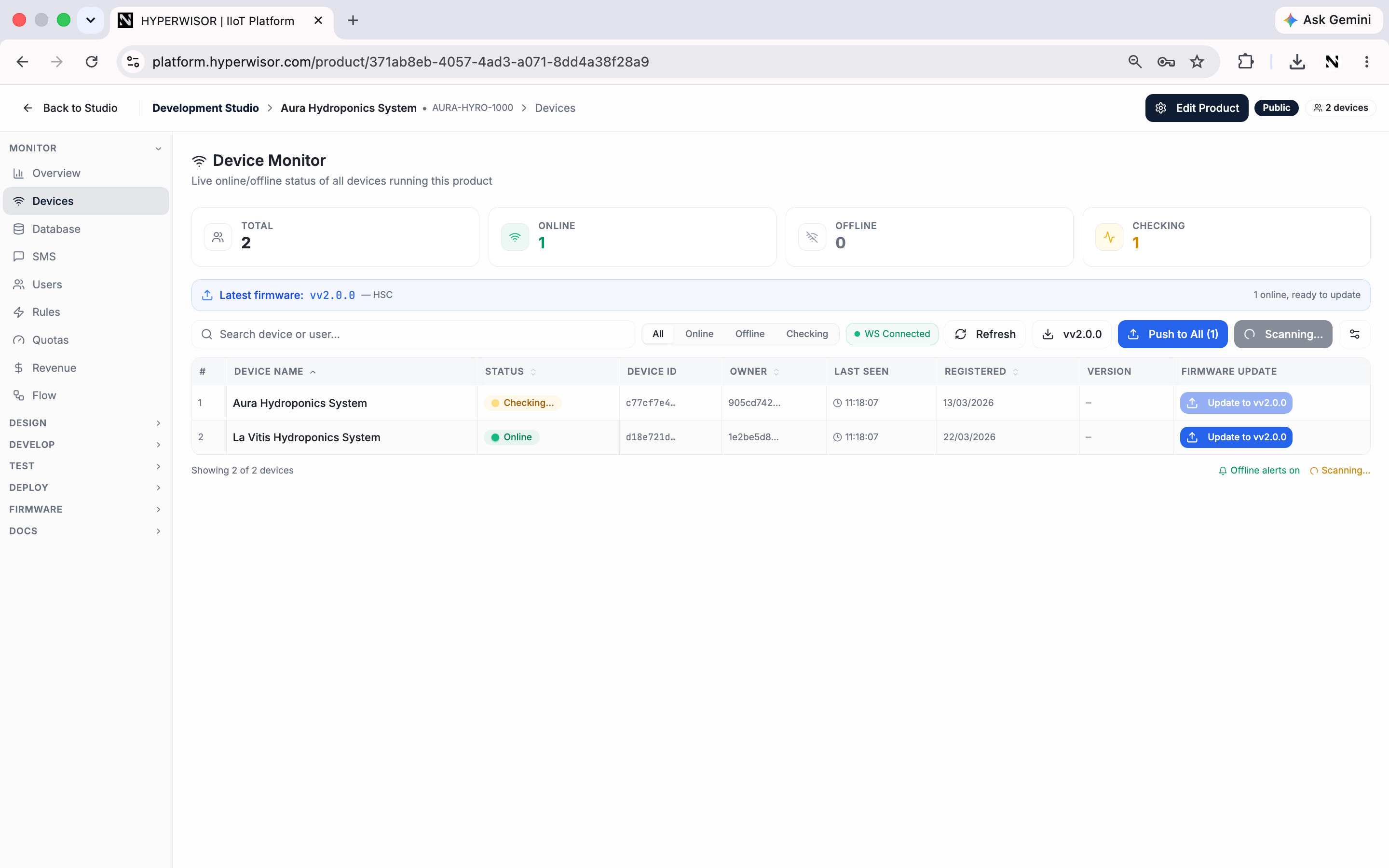
Device Monitor — live online/offline status for every device, with one-click OTA firmware updates.
What you see
- The list of devices onboarded to this product
- Real-time online / offline status per device
- Which users own which devices
When to use it
- Confirm a device came online after onboarding
- Spot devices that have dropped offline
- Get a feel for adoption as users onboard units
For monitoring many devices at scale — maps, groups, bulk commands, firmware
distribution — use the Fleet Manager widget on a dashboard.
Next: Database
Store and manage your product’s data.