

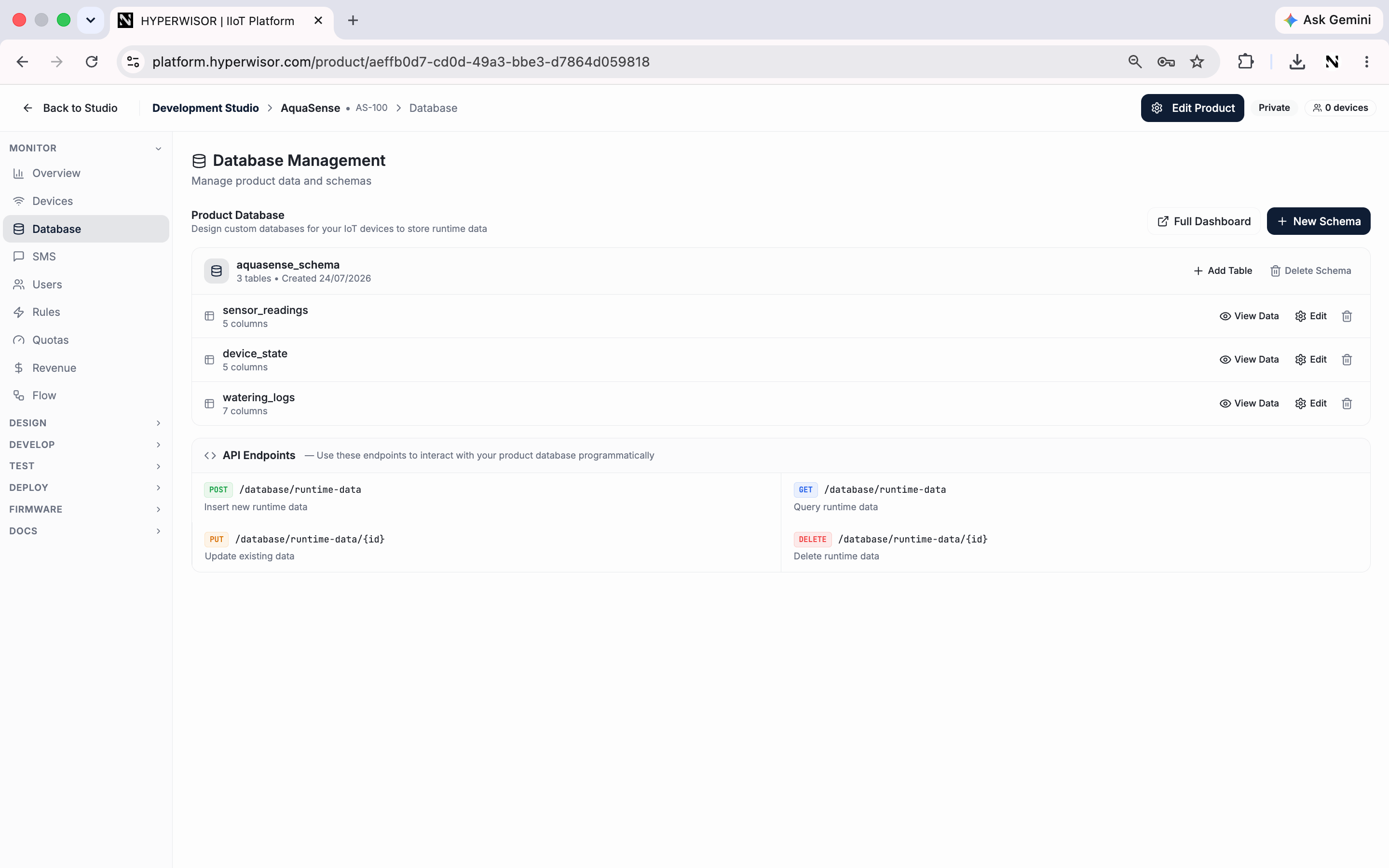
The Database tab — design schemas and tables your devices and dashboards read and write.
Schemas and tables
- Create a schema for the product, then add tables within it
- Each table defines columns (the fields a record holds)
- Devices and dashboards read and write records against these tables
Writing and reading data
Typical flow
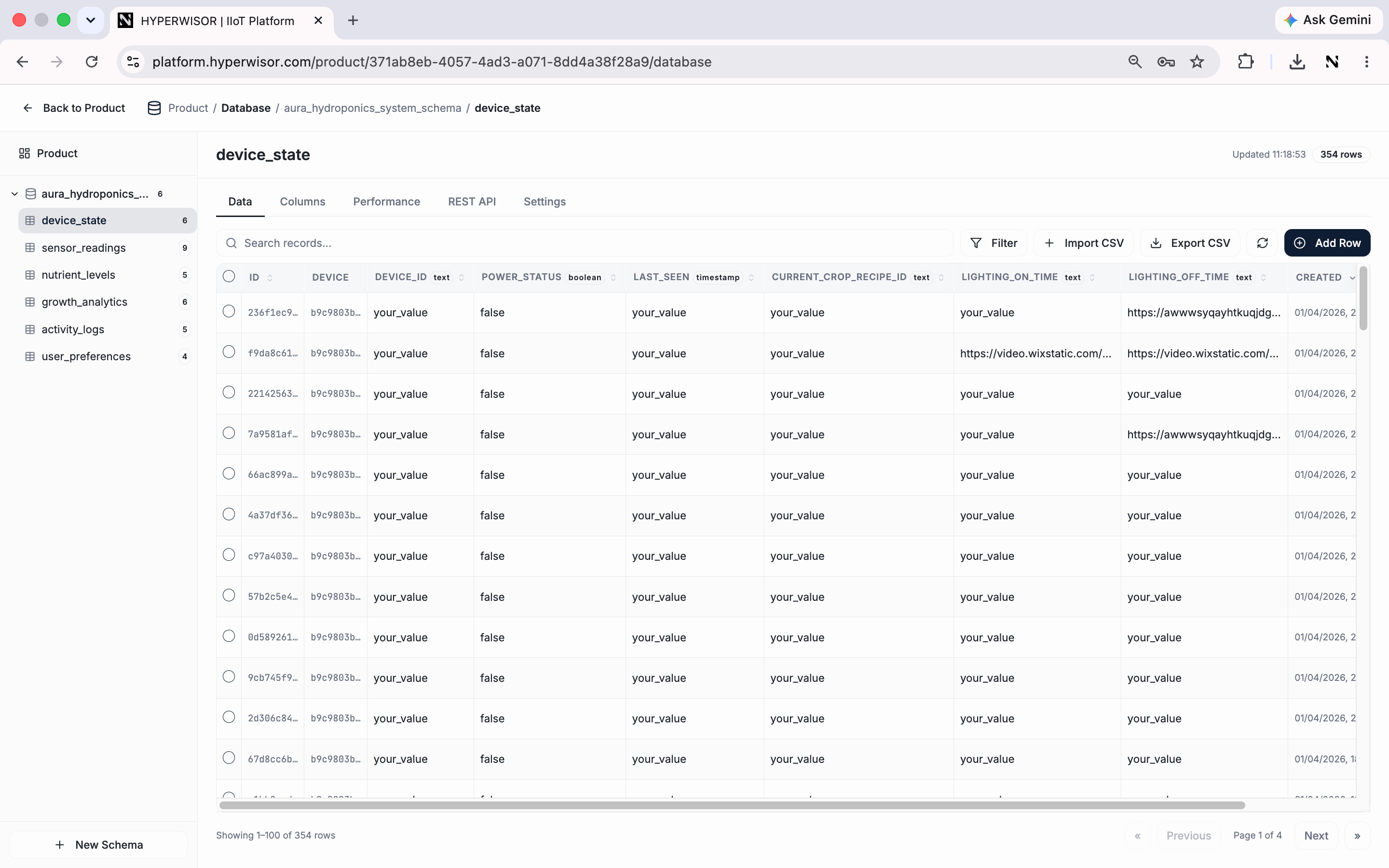
Browsing a table's records — filter, import/export CSV, or add rows by hand.
1
Create a table
Define its columns (e.g.
temperature, humidity, created_at).2
Write from the device
Insert a record whenever the device produces data.
3
Show it
Bind a Table or Dynamic Repeater widget to the table, or query it in a script.
Next: SMS
Send SMS notifications from your product.