

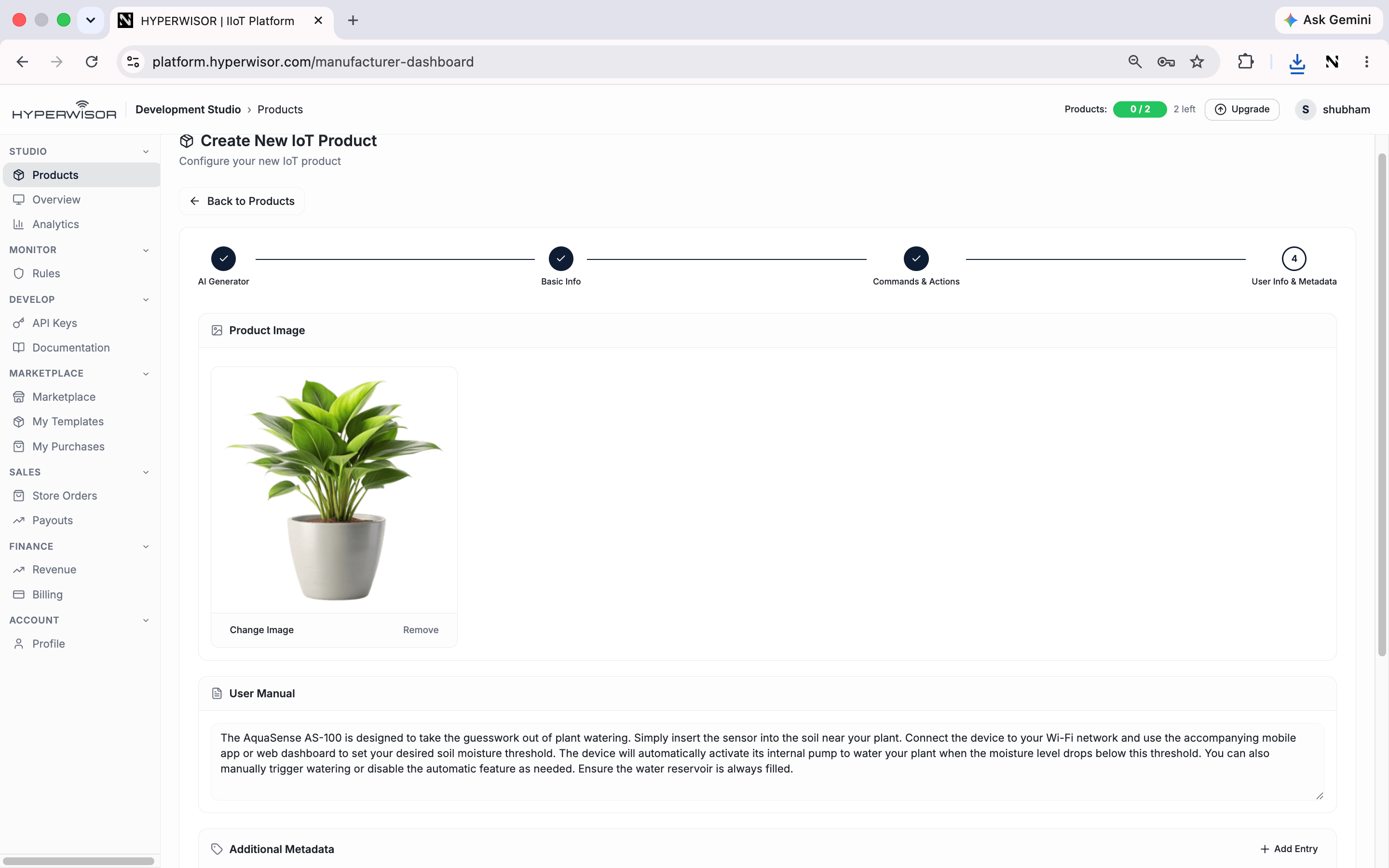
The User Info & Metadata step — attach custom attributes to your product.
What it’s for
- Define custom attributes specific to your product
- Keep structured product information in one place
- Surface values that firmware, dashboards, or integrations can reference
Back to Studio overview
The full Studio tour.