

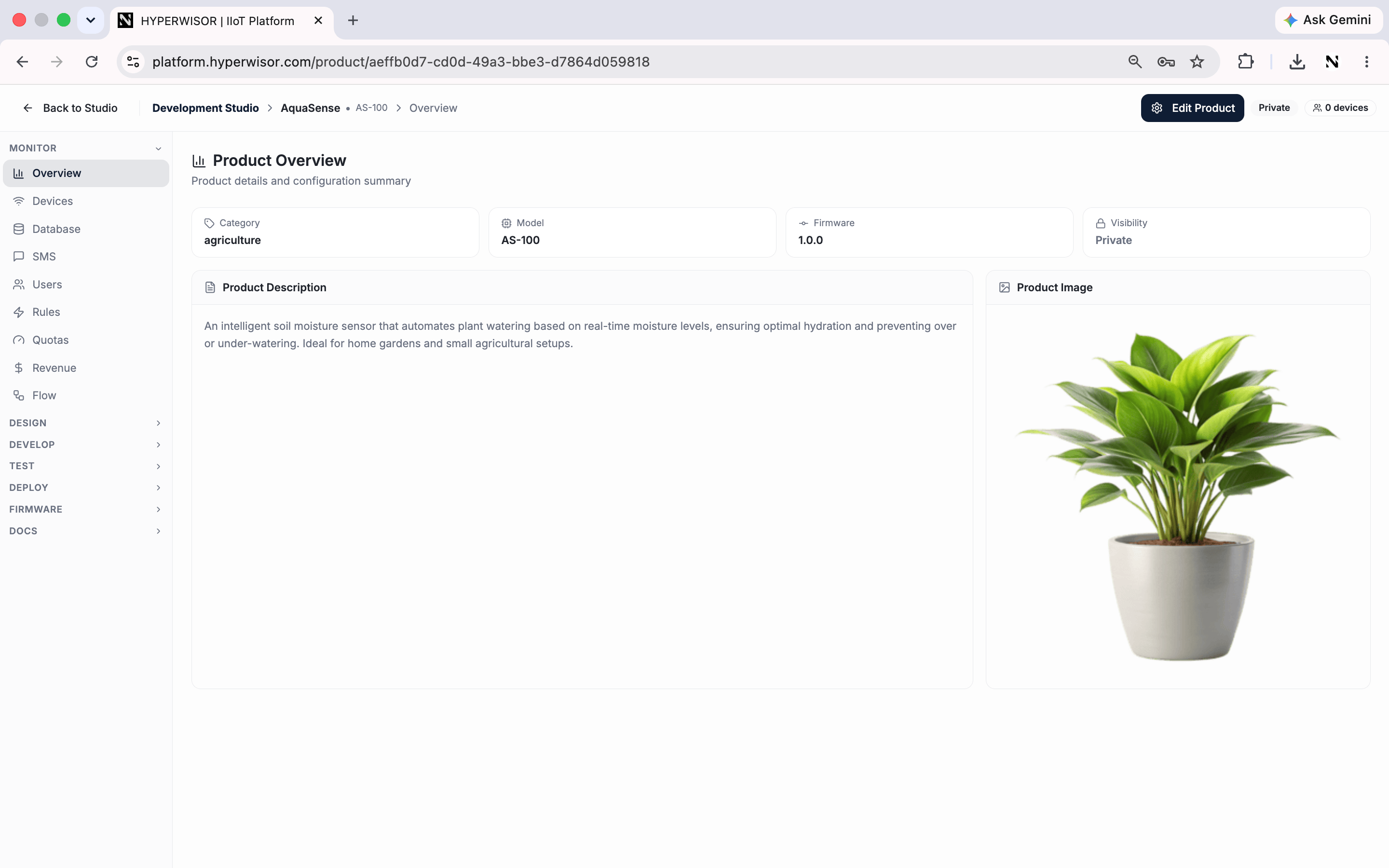
The Overview tab — a product's home screen inside the Studio.
Next: Devices
Live status of every device running this product.
Product details and configuration summary — the Studio’s landing tab.
The Overview tab — a product's home screen inside the Studio.